
Material Properties Inspector
With exactly one material selected, this accordion shows every parameter that changes that material's surface, in Principled BSDF order — Base Color through Transmission, Iridescence, Emission, Alpha, then a legacy Phong-era section (Shininess, Reflectivity, Ambient and similar). It's read-only by design: a window onto what the file said, not a material editor. Many of these properties need no image and no UV map at all — Transmission alone makes glass, Emission alone makes a light, and until this panel existed there was nowhere in the app to see either fact.
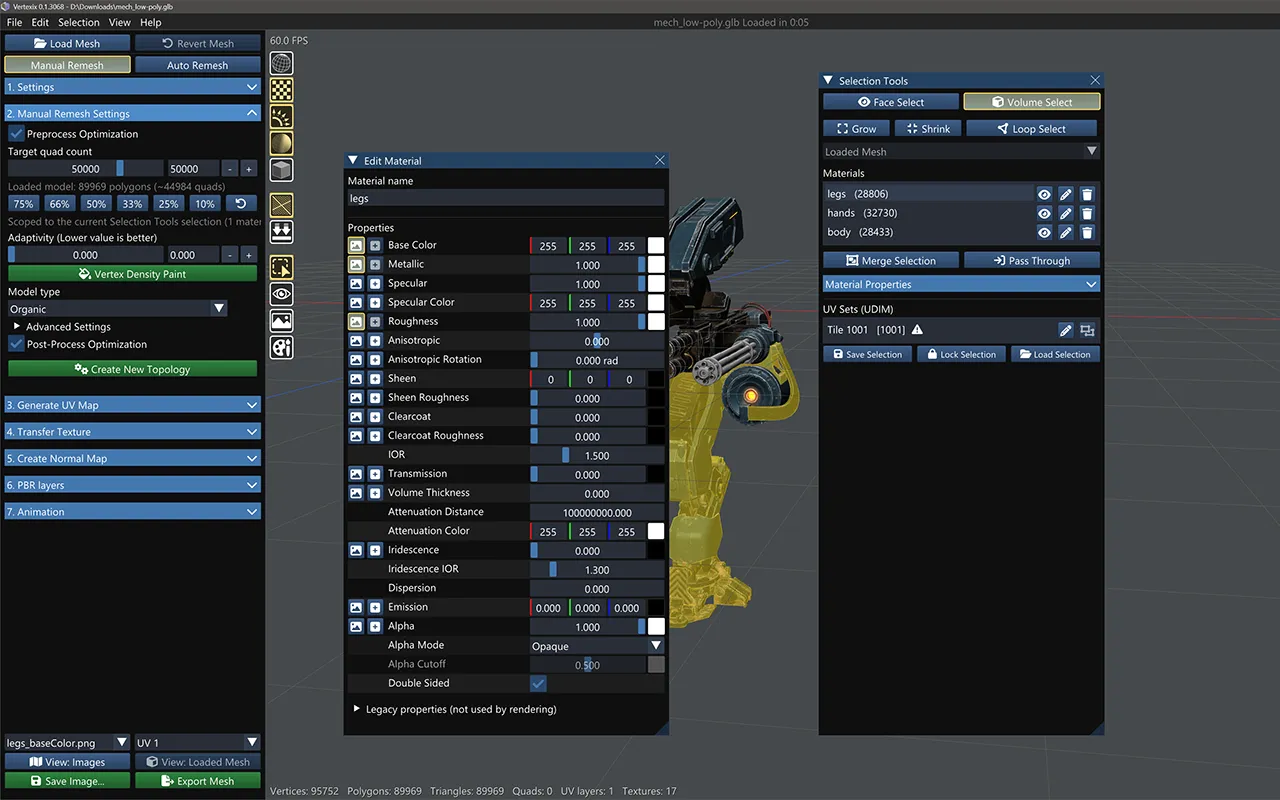
Rendered, Read only, Not in file
- Rendered (green) — the file authored it and the shader actually consumes it.
- Read only (yellow) — the file authored it, but the shader ignores it — this is the row that explains why a value here changes nothing on screen. Legacy Phong properties and Emission Strength fall here (the strength gets multiplied into Emission on import and no separate field survives, so this raw capture is the only place it still exists).
- Not in file (dimmed) — the file authored nothing; a Rendered row in this state is still showing the spec default, since that's genuinely what the shader is using.
Mesh inputs & raw property dump
A collapsed "Mesh inputs" section lists whether the mesh carries vertex colors and which named UV channels exist — inputs that aren't material properties but change the result the same way. A collapsed "All properties (raw)" table dumps every captured property key/value verbatim, including vendor-specific keys the curated table above has no row for.