
1. Settings
This accordion is shared with Auto Remesh's own Settings section, but under Manual Remesh only two of its rows apply — Remesh-as mode and Target Vertex Count are Auto-Remesh-only and don't show here.
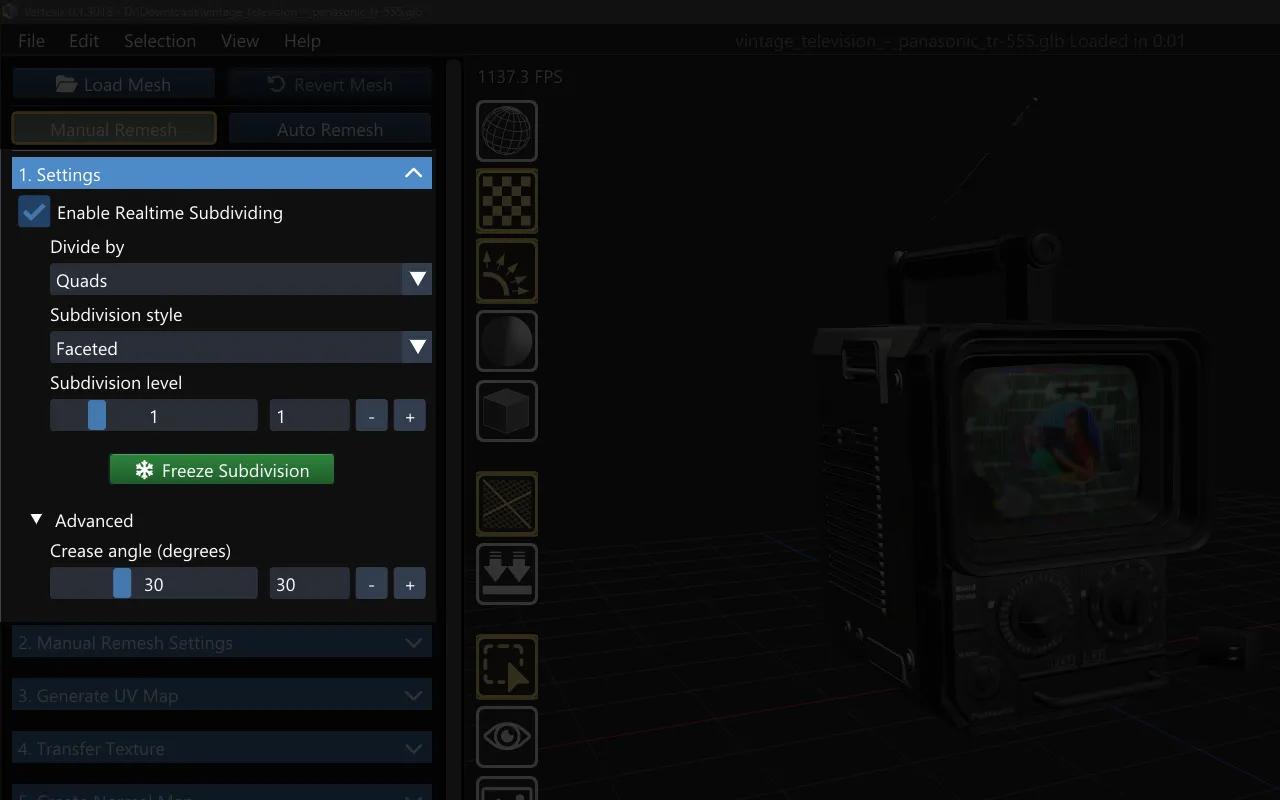
Realtime Subdividing
Subdivides the displayed mesh live and feeds that subdivided shape into the remesher — off shows and remeshes the model exactly as imported. When on, four more controls appear:
- Divide by — Triangles or Quads.
- Subdivision style — Faceted or Smooth (Smooth needs OpenSubdiv in the build).
- Subdivision level — 0–5.
- Freeze Subdivision — permanently bakes the subdivided shape into the loaded mesh and turns Realtime Subdividing off. Recommended before generating new topology, since otherwise the topology tracks the live preview instead of a fixed shape.
Crease angle
Shared by both workflows — feeds directly into Realtime Subdividing's own shading, marking any edge whose dihedral angle exceeds the threshold as a hard edge instead of smoothing across it.