
Manual Remesh
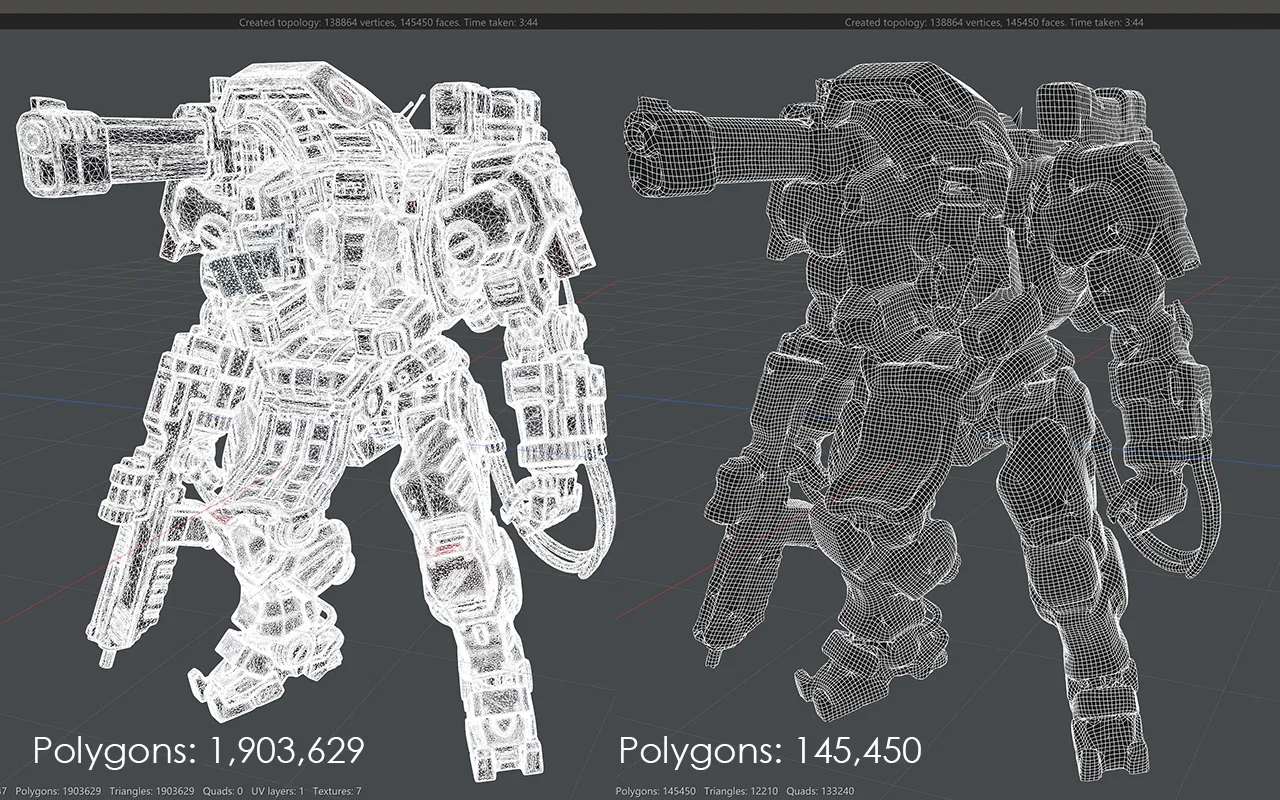
Manual Remesh is Vertexix's one-click retopology engine, built on a mixed-integer quadrangulation solver. Set a target quad count, pick Organic or Hard-Surface, and let it run. It has far fewer controls than Auto Remesh — no fields to paint, no brushes to guide — but the solve itself is slower, trading that time for a more accurate result.
If a material is selected in Selection Tools when you click Create New Topology, only that material or group is retopologized and merged into whatever topology already exists; with nothing selected, the whole mesh is redone from scratch.
This workflow's sections
- Settings — Realtime Subdividing and Crease angle.
- Manual Remesh Settings — target quad count, Adaptivity, Model type, Vertex Density Paint.
- Generate UV Map
- Transfer Texture
- Create Normal Map
- Extra Actions
- Animation