
Extra Actions
Five stand-alone bakes, each in its own box, each acting on whichever mesh is currently on screen (unless noted) and requiring it to already have a UV map. Some are edition-gated — a locked box shows a lock badge naming the edition that unlocks it.
Make Ambient Occlusion map
Resolution, an Include Normal Map checkbox (folds a baked normal map into the AO so fine detail darkens creases — needs a normal map baked first), and Max ray distance (a slider capped at 10 meters plus a numeric field for larger models). Available in every edition.
Cavity, Curvature and Edge Maps Ultra
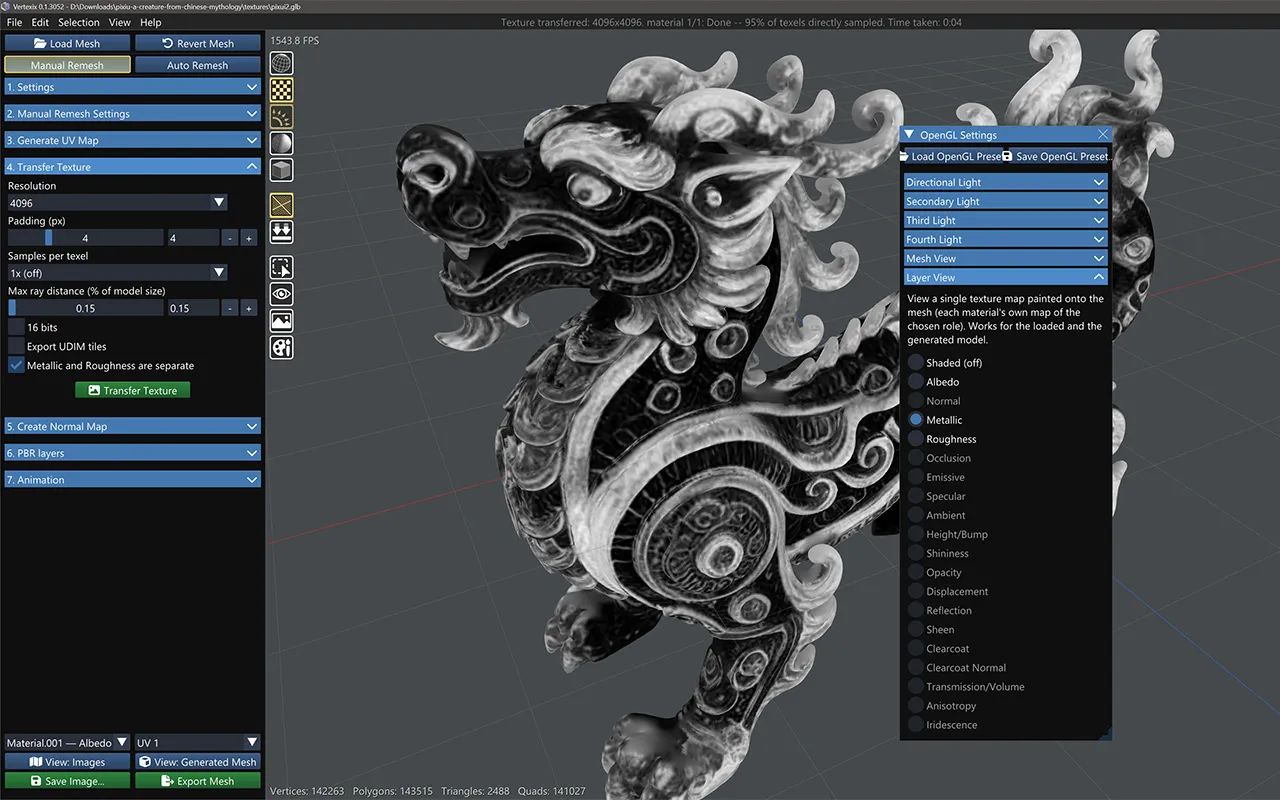
Ray-probed texturing masks baked from the surface itself, ready for edge-wear and dirt work in any texturing pipeline. One bake computes a signed curvature value per texel; each checked box writes its own map from it: Cavity (white where flat, dark in crevices — multiply it over a texture to shade dirt into recesses), Curvature (the signed original: mid-grey flat, dark cavities, light edges), and Edge (black where flat, light on raised edges — a wear mask). Probe distance sets the scale of what reads as an edge or cavity — small distances isolate fine creases, large ones pick up broad shape curvature — and Intensity is a contrast dial for washed-out results on smooth geometry. Because the probe measures the mesh's real triangles, a low-poly surface that is shaded smooth can bake its facet edges in as faint false lines — Smooth curvature intensity blends in a smoothing pass guided by the smooth shading normals, melting those lines away while leaving genuine hard edges untouched, with Curvature smoothing degree setting how wide it reaches.

Make Height Map Light and up
Resolution includes a Match albedo option (default) — sizes the height map to each material's own color map, since a bump map wants at least as much detail as the color it sits under. Height maps generally deserve more resolution than other channels, since the shader differentiates this map and a coarse one shows visible steps. Creates a blank map ready to paint into via the Paint mode's Height channel.
Create Displacement Map Regular and up
Same resolution/16-bit shape as Make Height Map, but the map starts at neutral mid-grey and physically moves geometry: white pushes each vertex outward, black pulls it inward. See Shadows & Displaced Geometry for what painting into it looks like in the viewport.
Bake Vertex Colors Regular and up
Samples any baked layer (Albedo is the common pick) at each vertex of the created topology and stores the result as real per-vertex color data — exported and saved with the project, not a display-only overlay. Fidelity follows the mesh's vertex density rather than a texture resolution, so there is no resolution combo. Always targets the created topology; run Transfer Texture first so there's a layer to sample.