
Mirror Mode
Turn on X, Y or Z in the Mirror Mode row (any combination) and everything you do is done on the other side of those planes too: every patch, ring and row you make is made mirrored, and every point you move, every loop you split, every weld and delete happens on the mirrored side as well.
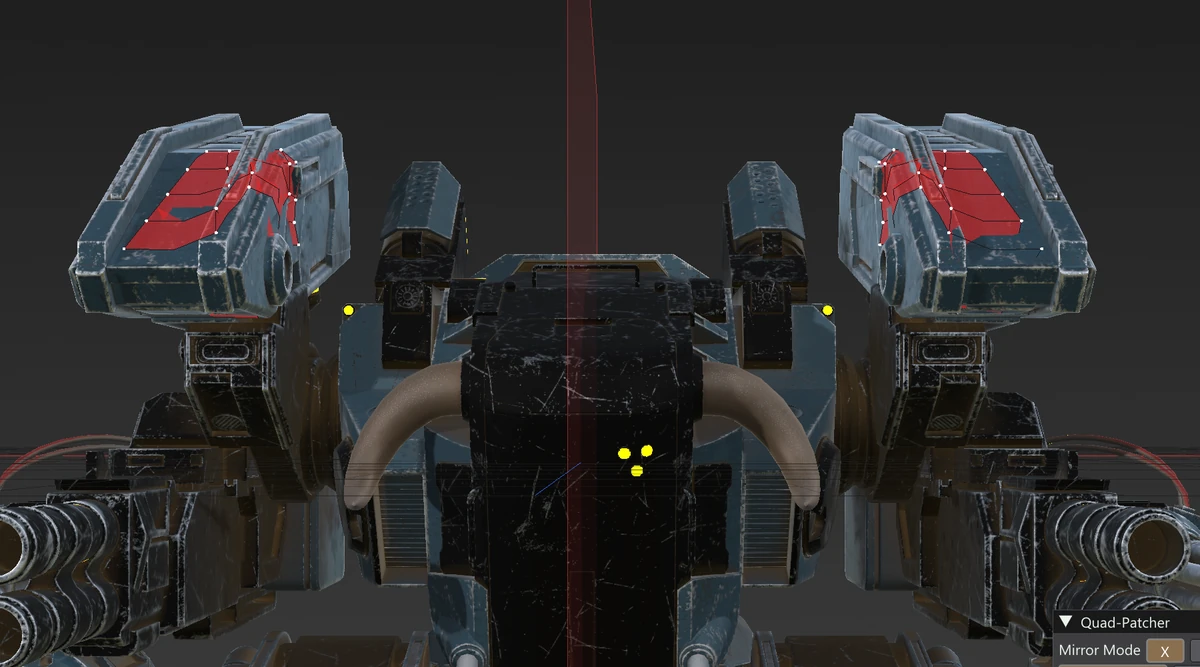
Where the planes are
With At origin ticked the planes pass through the world origin; untick it to put them through the centre of the Loaded Mesh instead. Each plane you turn on is drawn as a faint sheet the size of the model — red for X, green for Y, blue for Z — with an even fainter part where the model hides it, so you can see where it cuts through.
Mirror snapping
With Mirror snapping on, points that land close to a mirror plane are put exactly onto it, so the two halves are joined there into one mesh. Turn it off when you want a seam down the middle to stay open (a gap between two halves, a part that only nearly touches the plane): points then stay exactly where you drew or moved them. The setting is remembered.
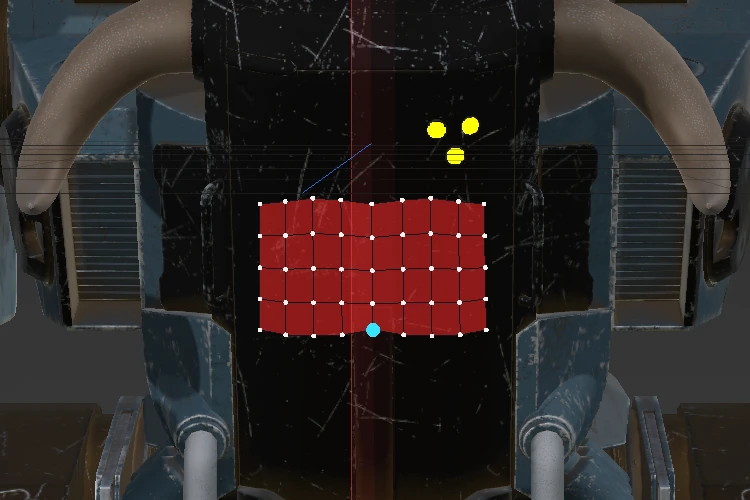
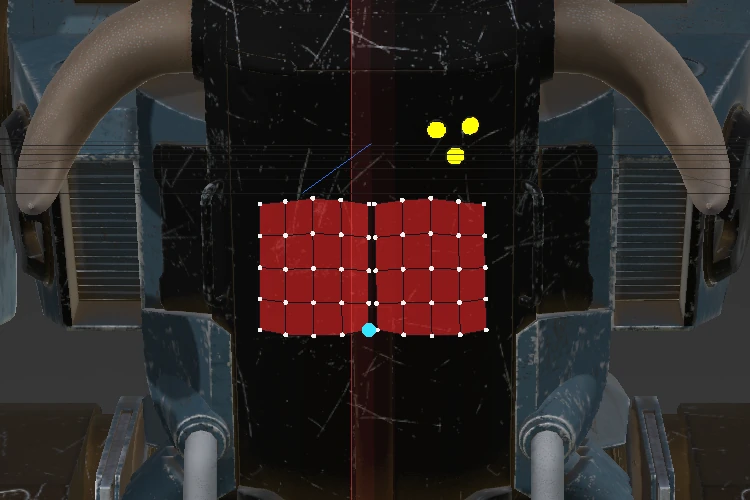
When the mirror is skipped
A patch that lies across a mirror plane is already its own mirror image, so no copy is made, and the status line says “Mirror skipped: the patch crosses the mirror plane.” Edits whose mirrored side does not exist (the quads there were never made, or differ) are done on the side you edit only.