
Finish & Sessions
Finish
The Quad-Patcher works in its own place: its quads are its own, kept with the session, and the Generated Mesh is left alone until you press Finish. Finish sends the quads into the Generated Mesh, and what it does depends on what is there:
| The Generated Mesh… | Finish… |
|---|---|
| does not exist yet | makes it from the quads. |
| holds what the Quad-Patcher sent before | updates just that part with the quads as they are now. Everything else in the Generated Mesh (an Auto Remesh piece, a Pass Through) is left as it is. |
| holds topology the Quad-Patcher did not make (from Auto Remesh, say) | asks: Replace swaps the whole Generated Mesh for the quads, and Add puts them in beside what is there, the way remeshed materials are added piece by piece. Cancel sends nothing. |
Finish never plays the Generated Mesh's build animation, and neither does opening a project whose Generated Mesh holds what the Quad-Patcher sent. After Finish the quads stay in the Quad-Patcher: open it again to keep working, and the next Finish updates what it sent. First it says what will happen:
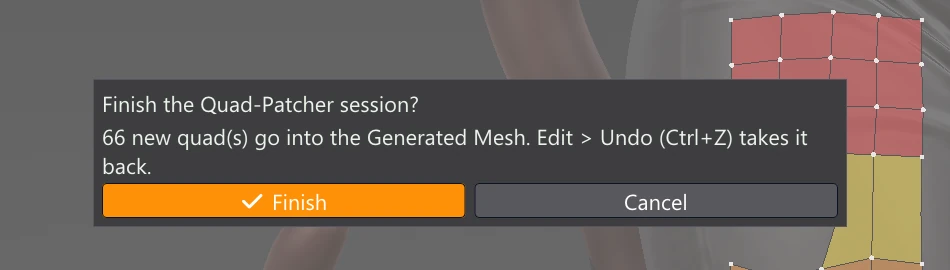
- The quads go in as one piece after the rest of the Generated Mesh. Each takes the material of the Loaded Mesh under it, and keeps its group colour as a Selection Tools group.
- The Loaded Mesh's materials the quads cover are marked Retopologized. After a Replace, materials only the old Generated Mesh covered go back to Pending.
- UV maps: the rest of the Generated Mesh keeps its UVs. Of the quads sent before, the ones you changed since (moved, reshaped, deleted) lose their UVs; every other quad keeps its own, exactly where it was in the UV Editor. New quads have no UVs yet: give them some with Create UV from Selection, or run Generate UV Map for the whole material. Bakes are kept, so bake a material again after reshaping its quads.
- As after Pass Through, the Generated Mesh's sculpt layers, vertex paint layers, paint paths and subdivision levels are reset.
Finish is one step: Edit > Undo (Ctrl+Z) puts the Generated Mesh, its UV maps and the materials' Retopologized marks back as they were, in Manual and Auto Remesh alike.
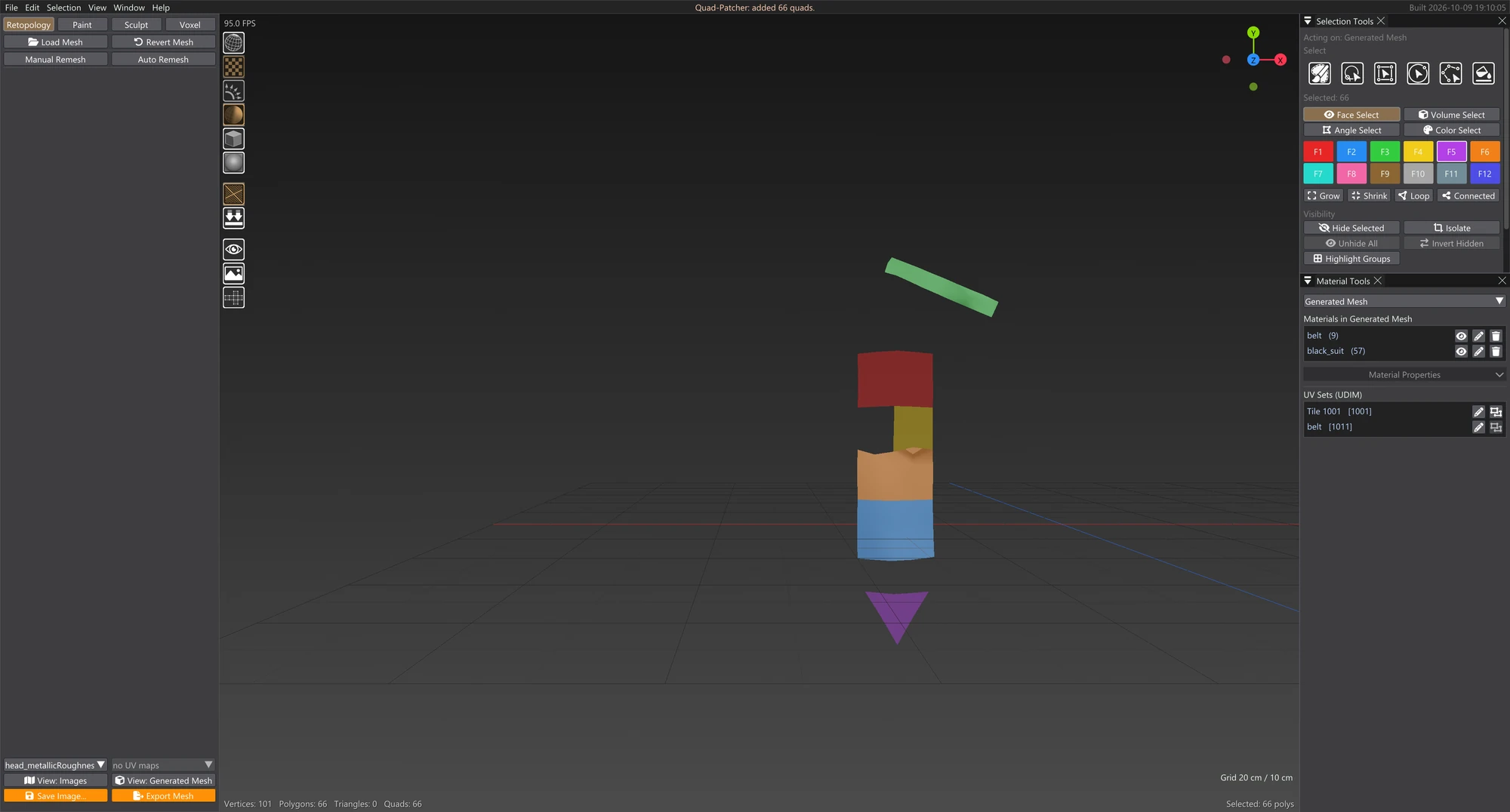
Picking a material in Material Tools colours all of that material's Generated quads in the active Selection Tools colour. If you rely on the groups you gave your quads, pick your materials with a colour no group uses.
Sessions: keeping unfinished work
A session never has to be finished in one go.
| You… | The session… |
|---|---|
| close the window, or switch to Paint, Sculpt or Voxel | is kept in memory, with its undo history and anything half-drawn; open the Quad-Patcher again to carry on exactly where you were. |
| press Save Project | is saved inside the project (open or kept). Loading the project brings it back; open the Quad-Patcher to carry on. |
| have Vertexix close unexpectedly | comes back with the work it recovers: when you answer Yes to opening the autosaved copy and it holds a Quad-Patcher session, Vertexix opens straight into the Quad-Patcher with that session, ready to carry on. |
| press Save Session | is written to a file of its own (.vxqs). |
| press Load Session | is replaced by the one in the file (Ctrl+Z goes back to the quads before). |
| leave Autosave on | is written to autosave\quadpatcher.vxqs beside the app every few minutes while it has changes (and when the window closes). Load Session opens it. |
| press Discard | has its quads thrown away, after a question: Discard, Keep Editing or Finish. Whatever it already sent stays in the Generated Mesh. |
| open another model | kept in memory is dropped (it belonged to the other model). Save it first if you want it. |

When the Generated Mesh has changed
A session remembers the part of the Generated Mesh it sent. If that part is gone or different when the session comes back (you ran Create Topology again, sculpted it, or undid the Finish), the quads are still all there in the Quad-Patcher. They are simply treated as not sent yet: the next Finish asks Replace or Add again if the Generated Mesh holds anything else.
A session saved before Quad-Patcher had its own place was a copy of the whole Generated Mesh. When one is opened, its faces that are still identical to the Generated Mesh are left out, since they are there already. Only the quads you made or changed in it stay in the Quad-Patcher.
A session drawn on a different Loaded Mesh opens with a warning to check the quads still sit on the model.