
Chain Templates
A template is a ready chain to start from instead of an empty view.
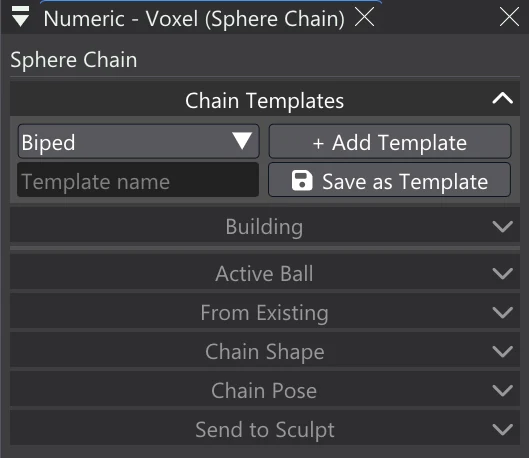
| Control | What it does |
|---|---|
| Template | The built-in skeletons — Biped, Quadruped, Hand, Bird, Snake and Tree — then the chains you saved. |
| Add Template | Adds the chosen template at the centre of the views, standing on the ground, selected and ready to edit. No chain needs to be selected. |
| Template name | The name to save the selected chain under (empty: the chain's own name). |
| Save as Template | Saves the selected chain as a template of your own. It joins the list straight away and is there in later sessions. |
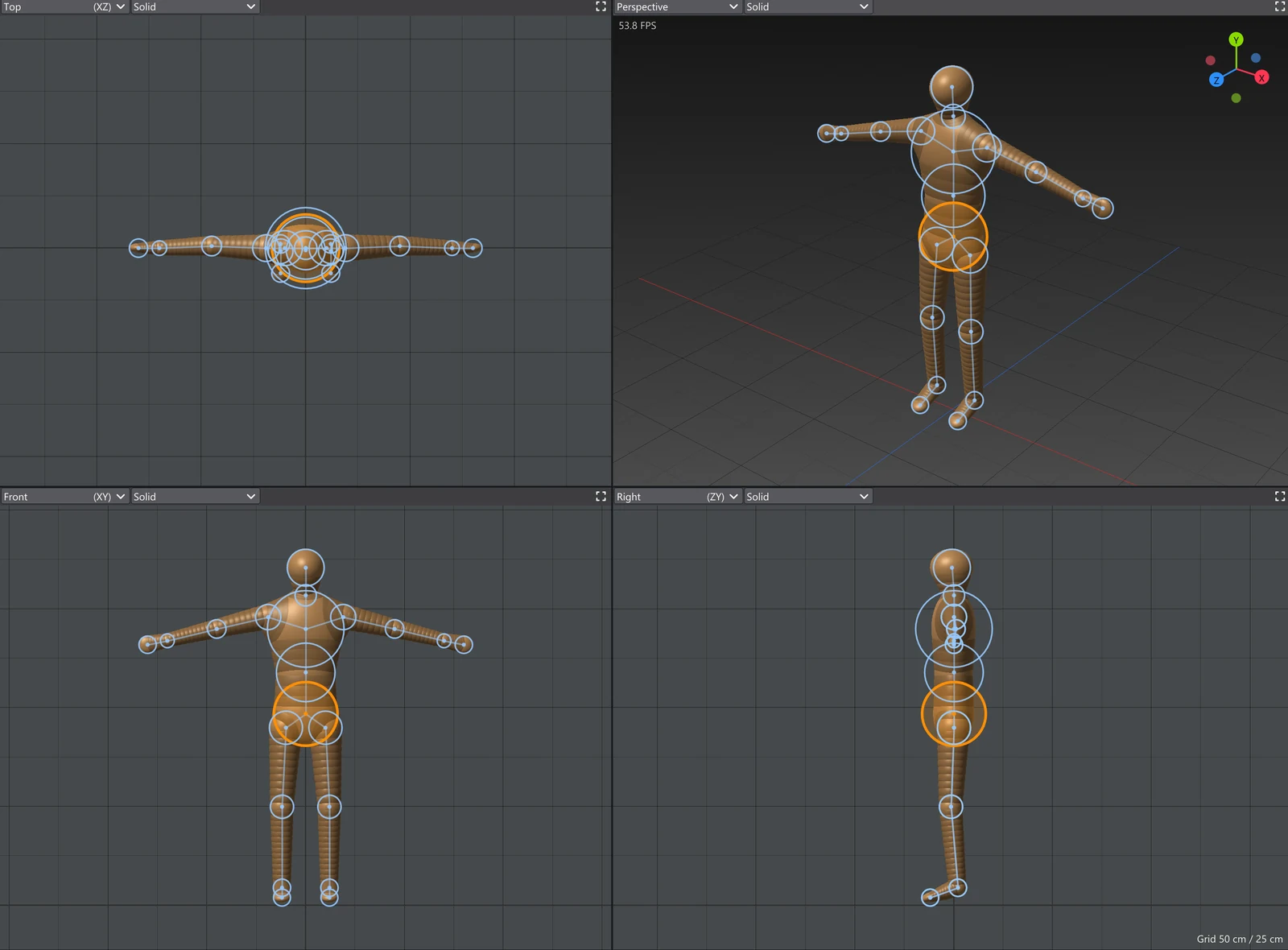
Templates follow the Mirror like any chain: the Biped is symmetric while the Mirror is on (see Symmetry with Mirror).