
Posing & Rigging
A chain can be posed like a skeleton: links keep their lengths, so a raised arm stays an arm. Build in a rest pose such as a T-pose, check silhouettes in action poses, and go back to the rest at any time. The chain can also become Sculpt's Pose joints, to pose the mesh made from it.
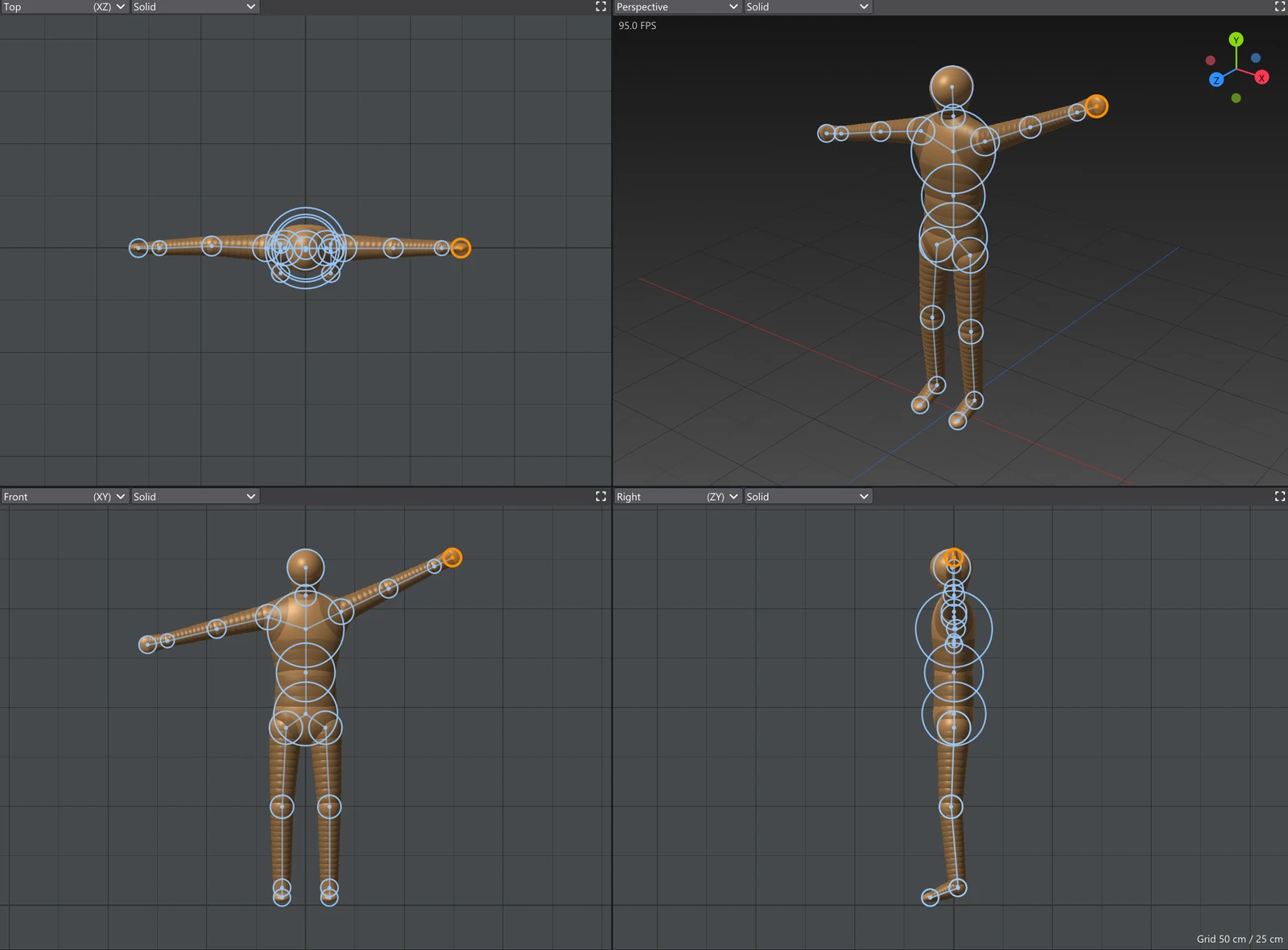
Pose mode
Choose Pose in Building, then drag a ball in any view:
| Gesture | What it does |
|---|---|
| Drag a ball | Reach: the ball goes where you drag it and the limb bends to follow, like a hand pulled by its wrist. |
| Shift+drag a ball | Swing: the ball's branch turns about its parent, rigidly. |
| Ctrl+drag a ball | Twist: what hangs below the ball turns about the view's axis as you move sideways. |
With the Mirror on, a pose on one side is mirrored on the other, and balls on the mirror plane stay on it.
The Chain Pose section
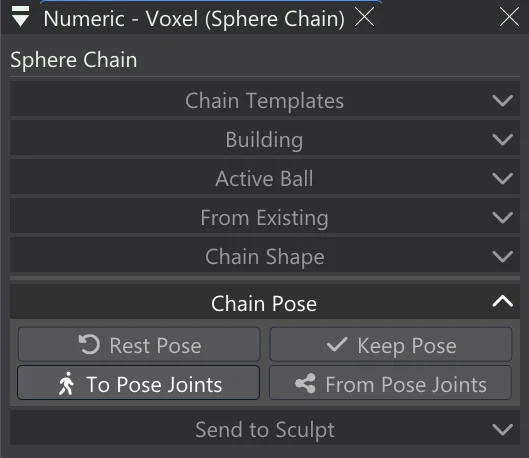
| Control | What it does |
|---|---|
| Rest Pose | Puts every ball back where it was before the chain was posed. |
| Keep Pose | Makes the pose the chain's rest: Rest Pose comes back here from now on. |
| To Pose Joints | Adds the chain to Sculpt's Pose joints: a joint per ball, a set per branch, each joint's range its ball's size — to pose the mesh sent from it. |
| From Pose Joints | Makes a new chain from Sculpt's Pose joints, a ball per joint, as they stand now. |
A rigged model
With With Pose joints on in Send to Sculpt (it is on by default), sending the chain also makes its Pose joints in Sculpt, so the mesh can be posed at once with Sculpt's Pose tool. Its settings accordion has Export Rigged glTF... , which saves the mesh in its rest shape as a skinned glTF: a bone per joint and the joints' weights as its skin, ready to pose and animate in another program.