
Loaded Mesh vs. Generated Mesh
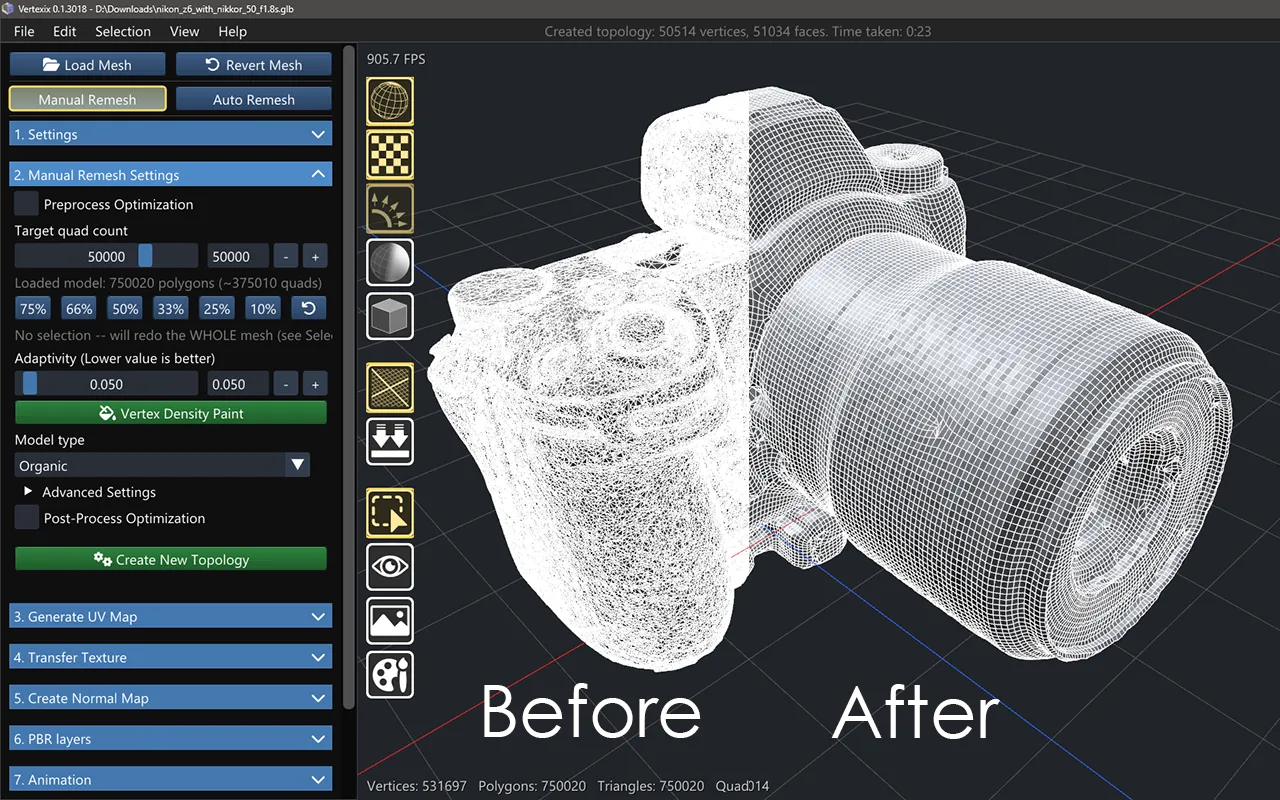
Two meshes exist in Vertexix at all times, and the interface constantly switches between them:
- Loaded Mesh — the model you imported, unchanged. Its materials, UV channels and textures are exactly what the file carried.
- Generated Mesh — the topology you're building, appended piece by piece as you retopologize each material.
A View toggle (also bound to the backtick key) switches which one is displayed in the viewport. Almost every other panel has to ask the same question — the Image Viewer's texture lists, the render-mode settings in OpenGL View and PBR View, even the sidebar's own Save Image button — because the two meshes carry entirely independent materials, UV spaces and baked textures.
Why it matters
Fixing bad normals, rotating a freshly-imported model, or checking a texture's real filename are all Loaded Mesh operations. Painting density, unwrapping, baking and exporting the final result are all Generated Mesh operations. If a panel looks empty or a button seems to do nothing, the first thing worth checking is which mesh is actually on screen.